# Sizing
> Wave supports two sizes: "medium" and "small". A project should be on one size and stick to that size in all integrated components.
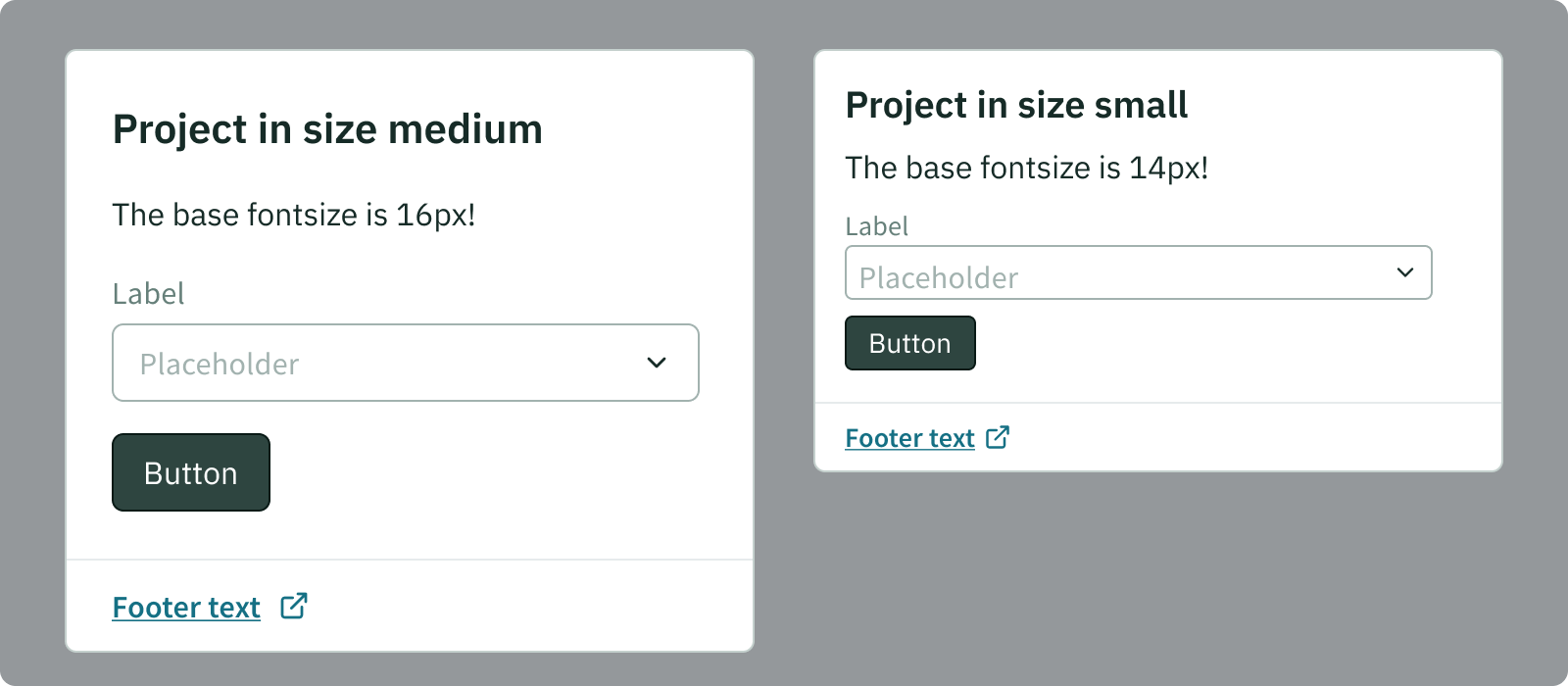
Medium size components go along with a base font size of your project of 16px.
Small size components go along with a base font size of your project of 14px.
## When to use which size
The medium size is recommended for:
- map based products
- infrastructure products
- products that do not have too much data
- mobile products
- products used on touch devices
The small size is recommend for:
- product with a high data density
- any trading, insight and energy products
### Use medium for mobile devices
Please note: It is possible to switch the size depending on the screen resolution of the user. This is for example recommended to use to switch a medium sized project to small in order to optimise for smaller laptop screens. But for mobile devices (that might also have a smaller resolution) it is highly recommended to use the medium size components! This is due to the fact, that touch interaction requires a certain size of controls.
## Do not mix components of different sizes
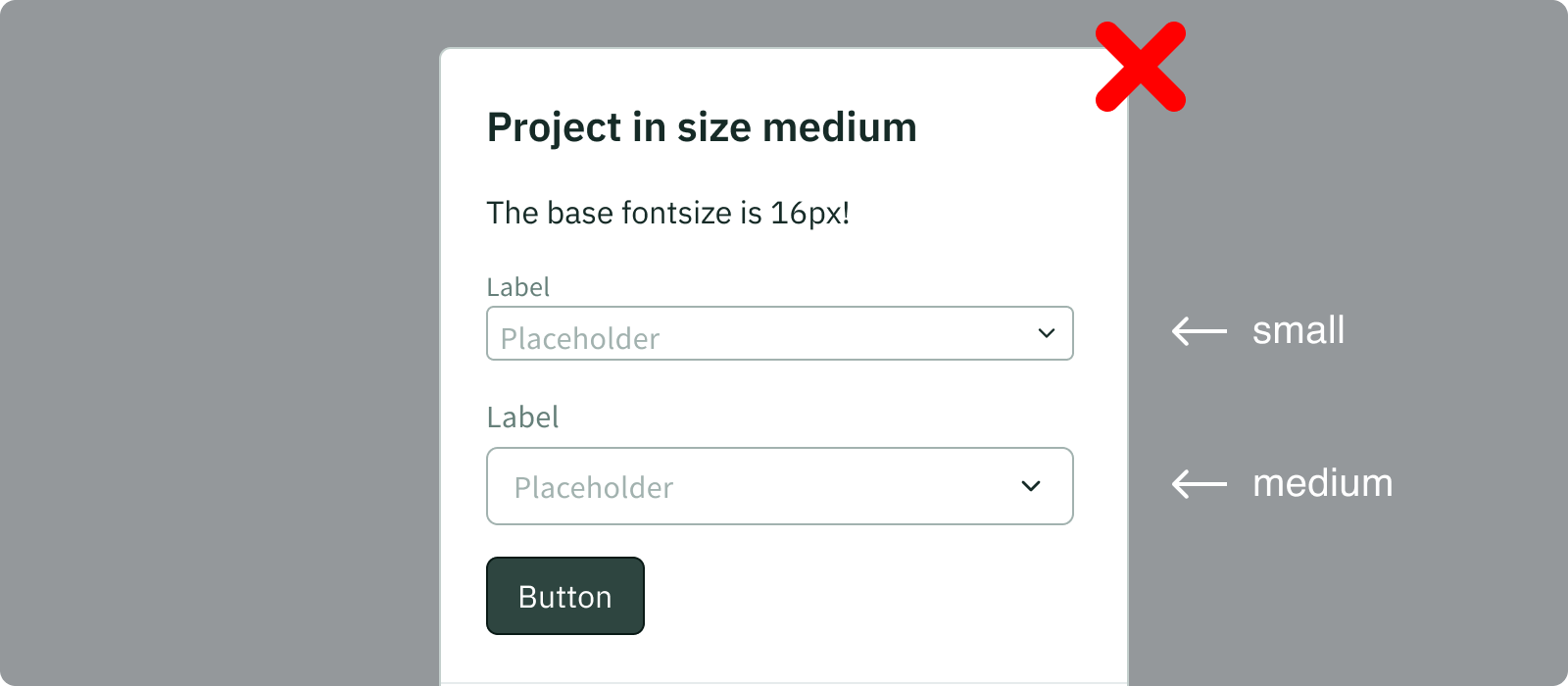
You should never mix components of different sizes!
It is important to keep a calm and consistent design which is heavily influenced by consistent sizing.